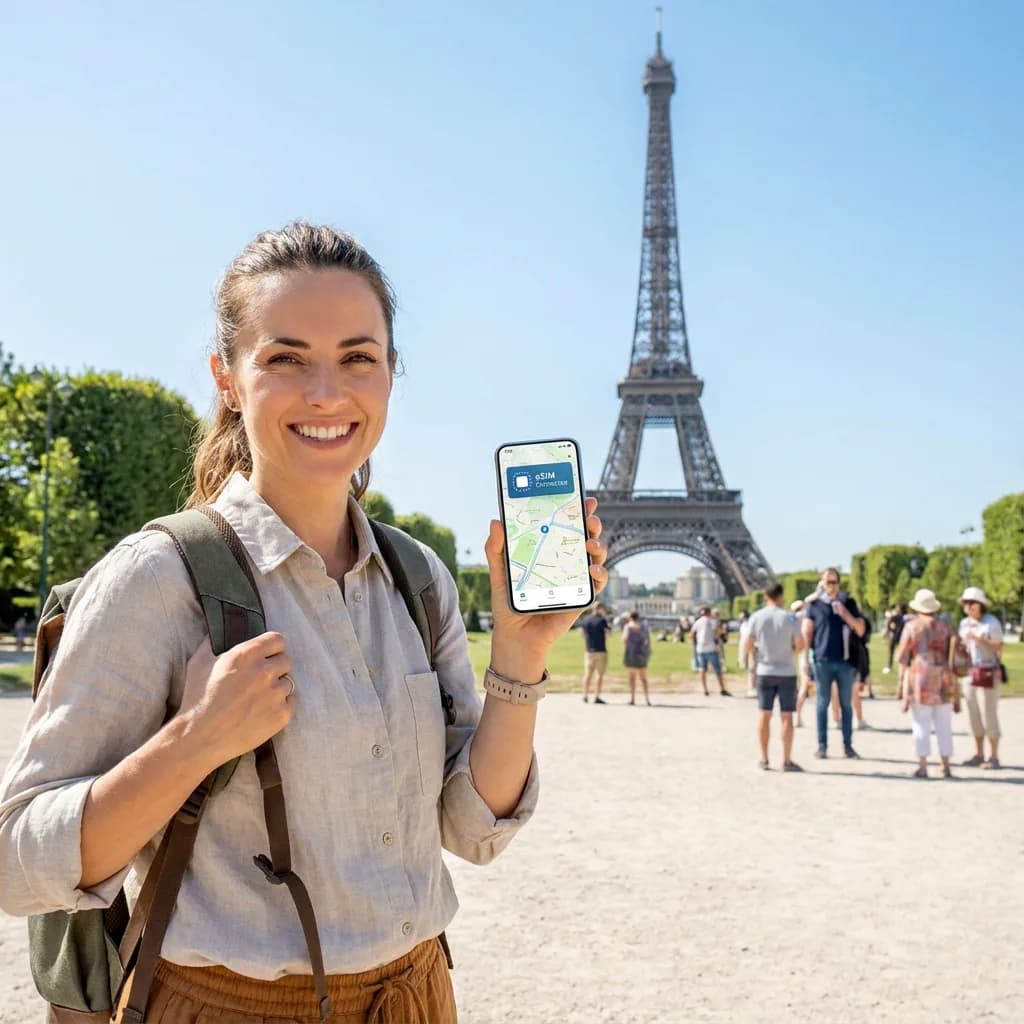
Planning an Airbnb stay and wondering whether you need an eSIM? A separate travel eSIM can provide mobile data for the journey to your accommodation, messages to your host and outings away from the property's Wi-Fi. It is not an Airbnb booking add-on from esim0, and it will not repair a slow connection inside the accommodation.
This independent guide is published by esim0, a travel eSIM seller. No partnership with or endorsement by Airbnb is claimed. Information checked on 1 October 2026.
Does Airbnb provide an eSIM with a booking?
Do not assume your reservation includes mobile data. Airbnb's official advice for solo travellers recommends researching mobile and Wi-Fi access and considering an eSIM if the device supports it. That recommendation does not say an eSIM is included with accommodation. Check your booking details and any offer you actually received; buy a separate plan only if you need one.
Property Wi-Fi, roaming or an eSIM?
- Property Wi-Fi: useful indoors and potentially included in your stay. Ask the host about availability and reliability before booking, particularly if you depend on video meetings.
- Your existing mobile plan: may already cover the destination. Check its roaming allowance, charges and limits before adding another service.
- A travel eSIM: useful between the airport and the property and when exploring. It needs a compatible, carrier-unlocked device and coverage from the network supported by your chosen plan.
For remote work, ask about the connection in the room you will use, not simply whether the listing has a Wi-Fi icon. A mobile backup also depends on indoor signal and data allowance. Neither a Wi-Fi amenity nor an eSIM purchase guarantees a particular speed.
Before arrival: make check-in work without Internet
- Save the address, check-in time, host's instructions and booking reference offline. Keep access codes private.
- Download the relevant map area and plan your transport before leaving reliable Wi-Fi.
- Check your exact phone's eSIM compatibility and carrier-unlock status.
- Read when your selected plan's validity starts. Installation and activation timing vary; follow the plan instructions and our activation guide.
- At arrival, choose the intended line for mobile data. Follow its roaming instructions and check your home carrier's terms before using the home line abroad.
Do not rely on a new mobile connection as the only way to retrieve the instructions needed to install that same connection. Save the order details securely before departure.
How much data should you choose?
Start with your recent phone usage and the number of days you will be away. Maps, host messages and occasional browsing have different needs from streaming, cloud backups or using a laptop through a hotspot. There is no single allowance suitable for every stay.
Compare the total or daily allowance, validity period and every country on your itinerary. If you need hotspot use, verify that the particular plan supports it. For unlimited offers, read any high-speed quota and reduced-speed conditions. Disable unnecessary background downloads on mobile data and review usage during the trip.
Choose by destination, not by booking platform
Your accommodation platform does not determine the eSIM coverage you need. Compare current Japan eSIM plans, Thailand eSIM plans or Turkey eSIM plans for those destinations. For a multi-country trip, use our Europe connectivity guide and verify each stop against the selected plan.
esim0 travel plans provide data rather than a local phone number or traditional voice calls and SMS. Check the live plan details, final price and refund policy before paying. A discount advertised by another platform is not automatically valid at esim0.
If the accommodation Wi-Fi stops working
Check the host's network name and password, reconnect your device and ask the host for help. If mobile signal is available, your phone's data can let you send a message while the issue is addressed. Before sharing that connection with a laptop, check hotspot permission and remaining data; pause large synchronisation jobs. An eSIM cannot fix a property router or create coverage where the supported mobile network has none.
FAQ
Can I use the Airbnb app with a travel eSIM?
A working data connection can support Internet apps, subject to local availability and the app's requirements. Keep important check-in details offline in case connectivity fails.
Will an eSIM receive verification SMS?
A data-only esim0 plan does not include SMS. Arrange access to any verification method required by your accounts before travelling, and check your home carrier's conditions if keeping that line active.
Do I need an eSIM if Wi-Fi is included?
Not necessarily. It is an optional mobile connection for time away from Wi-Fi or as a backup where mobile coverage exists. Your current roaming plan may already meet that need.
Is this an official Airbnb eSIM offer?
No. This is an independent practical guide from esim0. Accommodation bookings and esim0 purchases are separate.