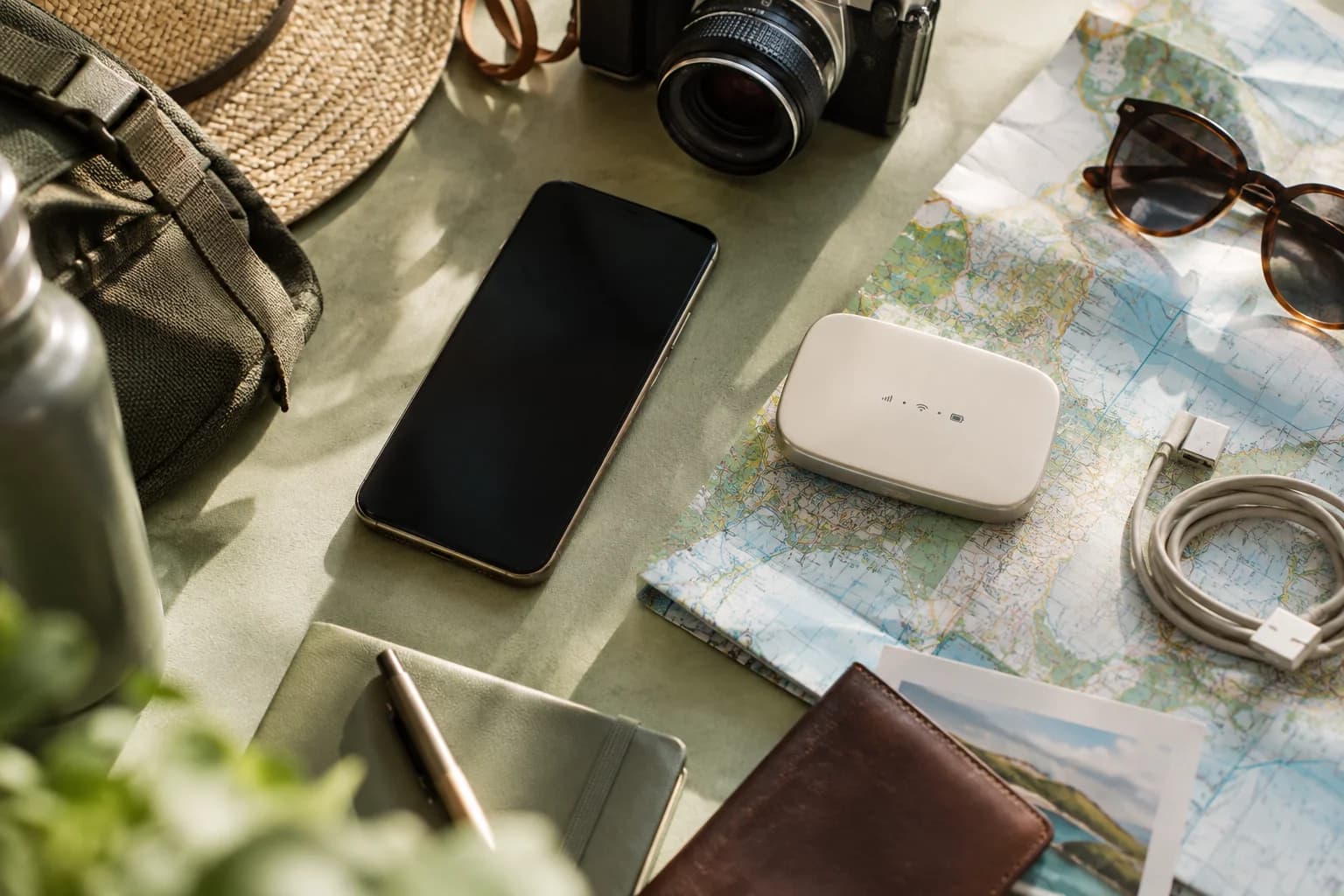
A travel eSIM and a pocket Wi-Fi device solve the same problem in different ways. An eSIM is a digital SIM built into your phone, so it gives that one phone its own mobile data connection with nothing extra to carry. A pocket Wi-Fi (also called a MiFi) is a separate battery-powered device that connects to a mobile network and then shares that single connection over Wi-Fi to your phone, laptop and tablet at the same time. Neither is better in every case: an eSIM suits a solo traveller with a compatible, unlocked phone, and a pocket Wi-Fi suits a group sharing one connection, or a trip that includes a laptop with no eSIM slot at all.
What each option actually is
An eSIM is a small chip already built into modern phones, tablets, watches and some laptops. Instead of inserting a plastic card, you add a data plan by scanning a QR code, and the phone's own antenna and modem do the rest. You still need a phone that supports eSIM and is not locked to one carrier. See compatible devices for the current list of eSIM-capable phones, tablets and other devices.
A pocket Wi-Fi is a standalone gadget, roughly the size of a small power bank, with its own SIM (physical or eSIM) and its own battery. It connects to a mobile network on your behalf and then broadcasts a local Wi-Fi hotspot that other devices join, the same way they would join home Wi-Fi. You can rent one from a kiosk or online provider before your trip, buy one outright, or in some countries pick one up on arrival. Most modern phones can already do this themselves, using the "personal hotspot" or "mobile hotspot" feature to share their own connection, but that draws on the phone's own battery and data plan rather than a separate device.
The genuine trade-offs
Neither option is simply faster or cheaper than the other in general. The real differences are about what you are carrying, how many devices need to get online, and how much you want to manage while travelling.
| Travel eSIM | Pocket Wi-Fi | |
|---|---|---|
| Extra hardware | None. Uses the phone's own eSIM chip. | Yes, a separate device to pack, carry and not lose. |
| Charging | Shares the phone's battery. | Has its own battery, which needs its own charging and adds one more cable to remember. |
| Devices connected | The one phone (or tablet or watch) it is installed on. | Several devices at once over Wi-Fi: phones, a laptop, a tablet, for everyone in the group. |
| Who it suits | A solo traveller, or anyone whose phone is compatible and unlocked. | A family or group sharing one connection, or a trip built around a laptop or tablet with no eSIM. |
| Setup | Scan a QR code before you fly, on Wi-Fi. See activating an eSIM. | Switch it on and join its Wi-Fi network, or pick it up and return it as instructed by whoever supplies it. |
| Returning it | Nothing to return. It is a digital profile on your own phone. | A rented unit usually has to go back, often at an airport counter or by post, by an agreed date. |
| If it runs out of battery | The phone itself needs charging, which most travellers already manage. | A flat pocket Wi-Fi puts every connected device offline at once, phone included. |
| Carrying it through airport security | Not applicable; it is not a separate item. | A power bank or spare lithium battery for it must go in carry-on, not in checked luggage, under airline and airport security rules. |
When an eSIM genuinely suits the trip better
An eSIM is the simpler choice when there is one main phone that needs data and that phone qualifies. Check two things first: the phone must support eSIM, and it must be unlocked from its home carrier, meaning it is not tied to a single network. The compatible devices list covers current iPhone, Samsung Galaxy, Google Pixel and other eSIM phones, plus some tablets, laptops and watches. If your phone is on that list and unlocked, an eSIM means one less thing to pack, nothing to charge separately, and nothing to hand back at the end of the trip. It also keeps your home SIM in the phone at the same time, on a second line, so you can still receive calls and texts on your usual number.
A solo traveller, or anyone travelling with only a phone, is the clearest case. It also works well for a couple or small group where each person already carries their own compatible phone, since each person can install their own eSIM rather than sharing one device between them.
When a pocket Wi-Fi genuinely suits the trip better
A pocket Wi-Fi earns its place when one connection needs to serve several devices, or when the main device cannot take an eSIM at all. A laptop without built-in cellular is the common example: most laptops have no SIM of any kind, so a pocket Wi-Fi (or a phone's own hotspot feature) is often the only way to get that laptop online without hotel or café Wi-Fi. A family or group trip is another case: one pocket Wi-Fi can carry two phones, a tablet and a laptop on a single connection, instead of buying a separate data plan for each device.
The cost of that convenience is the device itself. It needs to be charged, carried, kept out of luggage that might get lost, and often returned to the rental company by a set date if it is not owned outright. If everyone in the group stays close together, one pocket Wi-Fi can work well; if the group splits up during the day, only the people near the device get online.
Using both on the same trip
The two are not mutually exclusive. A common setup is an eSIM on the phone for the traveller who carries it, plus a pocket Wi-Fi (or the phone's own hotspot) for a laptop or for other people nearby. Using a phone's built-in hotspot feature to share an eSIM's data with a laptop is also an option on many phones, though this uses the phone's own battery and can be slower than a dedicated pocket Wi-Fi device when several devices join at once. Which combination makes sense depends on how many devices need data and how much you want to carry.
What esim0 offers, and what it does not
esim0 sells prepaid, data-only eSIMs for travel, for phones, tablets and other eSIM-capable devices. It does not sell or rent pocket Wi-Fi hardware, so this guide describes pocket Wi-Fi in general terms rather than reviewing a specific product or price. An esim0 eSIM also has no phone number attached: there are no calls and no SMS, only data, so your existing number stays on your own SIM for anything that needs it. A pocket Wi-Fi shares this same limit unless its provider explicitly adds calling.
Setting up an eSIM before you fly
If an eSIM is the right fit for your trip, set it up before you leave home, on Wi-Fi:
- Check your phone. It must support eSIM and must not be locked to a carrier. See compatible devices.
- Choose a destination plan. Compare data allowances and validity on the plan page for your destination.
- Install the QR code at home. The eSIM is delivered by email, with a QR code, within minutes of payment, and also appears in your esim0 account. Step-by-step guides: iPhone, Samsung Galaxy, Google Pixel, iPad.
- Check when validity starts. Plans differ on this: some start counting from first connection to a network, others from installation or first connection, whichever happens first. Read the activation rule shown on your own plan page before you install it, and see how to activate an eSIM for the general process.
- Turn on data roaming for the new line only. Keep your home SIM's data roaming off so it does not get used or charged by mistake.
If the eSIM does not connect after you land, check that mobile data points to the new line, that data roaming is on for it, and that the plan still has data left. If it still does not work, contact esim0 support. See the refund policy for when a refund is possible; a request must be made within 7 days of purchase, and there is no refund once the eSIM has been activated and used.
FAQ
Is a travel eSIM always cheaper than a pocket Wi-Fi?
There is no general rule. Prices for both change often and vary by destination, provider, data amount and rental length, so esim0 does not state one figure. Compare the actual plan or rental you are considering for your dates and destination.
What matters for the choice is not price but how many devices need data and what your main device is, as covered above.
Can a pocket Wi-Fi connect more devices than an eSIM?
Yes, that is its main advantage. A pocket Wi-Fi shares one mobile connection with several Wi-Fi devices at once, such as phones, a laptop and a tablet. An eSIM gives mobile data directly to the one device it is installed on. Some phones can also share their own eSIM data with other devices using a personal hotspot feature, but that is a phone feature, not something a pocket Wi-Fi replaces for a laptop with no cellular option.
Do I need to return a travel eSIM after my trip?
No. An eSIM is a digital profile on your own phone, not a physical item, so there is nothing to send back. A rented pocket Wi-Fi is usually physical hardware that has to be returned, often at an airport desk or by post, by a date the rental company sets.
Can I take a pocket Wi-Fi's spare battery on a plane?
In the United States, FAA guidance requires spare, uninstalled lithium batteries and power banks in carry-on baggage only. If your carry-on is checked at the gate, remove those spare batteries and power banks and keep them in the cabin. A battery installed inside a device is a different category. Check the battery rating, packing requirements and your airline's current restrictions before travelling.
Does esim0 sell pocket Wi-Fi devices?
No. esim0 sells prepaid, data-only eSIMs for phones and other eSIM-capable devices. It does not sell, rent or review pocket Wi-Fi hardware.
Which one should a family travelling together choose?
It depends on how the group moves. If everyone stays together and shares devices, one pocket Wi-Fi (or one phone hotspotting to the rest) can cover the group from a single connection. If the group splits up during the day, each person with a compatible, unlocked phone getting their own eSIM means everyone stays connected independently, without relying on being near one shared device.