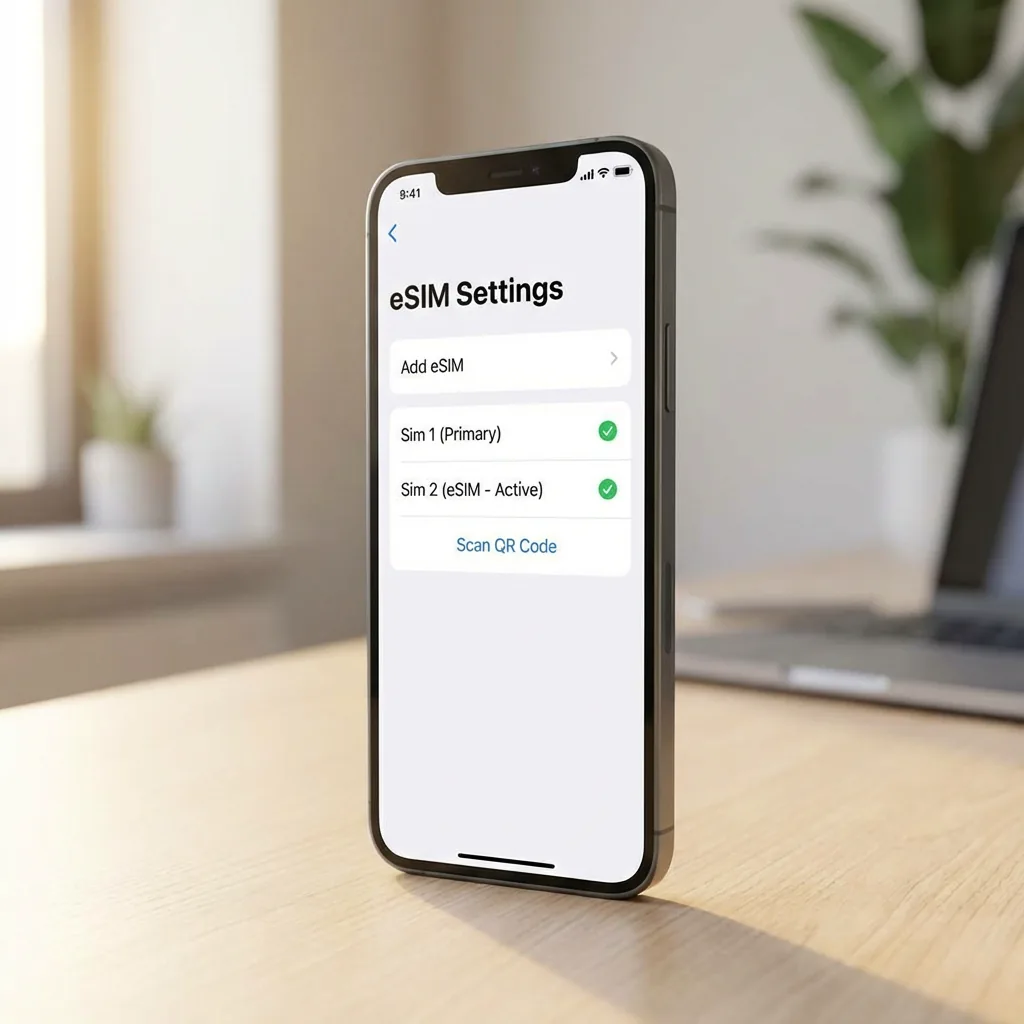
Use Wi-Fi and an unlocked, eSIM-compatible phone. Confirm compatibility for your exact model and country of purchase.
Prerequisites
Before you start, ensure your device is eSIM compatible and carrier unlocked. You'll also need a stable Wi-Fi connection for the initial setup.
For iPhone Users
- Go to Settings > Cellular.
- Tap Add eSIM.
- Select Use QR Code and scan the code provided by eSIM0.
- Follow the on-screen prompts to label your new plan (e.g., "Travel").
For Android Users (Samsung/Pixel)
- Open Settings and follow the path below. Menu names vary by model, language and software version.
- Scan the QR code and confirm the download.
Pro Tips
- Data Roaming: Ensure Data Roaming is turned ON for your eSIM0 line to access the network abroad.
- A travel eSIM provides mobile data. Calls, SMS and Wi-Fi calling on your home number remain subject to your home carrier’s terms and charges. Turning off data roaming does not disable calls.
Check the activation policy for your plan before installing: validity can begin at installation or at the first network connection. Reinstallation may not be supported.
Tags:
eSIM