Does Google Pixel 3a XL support eSIM?
Check if your Google Pixel 3a XL is eSIM compatible. Ensure a smooth transition to digital SIM cards with our step-by-step guide.
Check Compatibility Now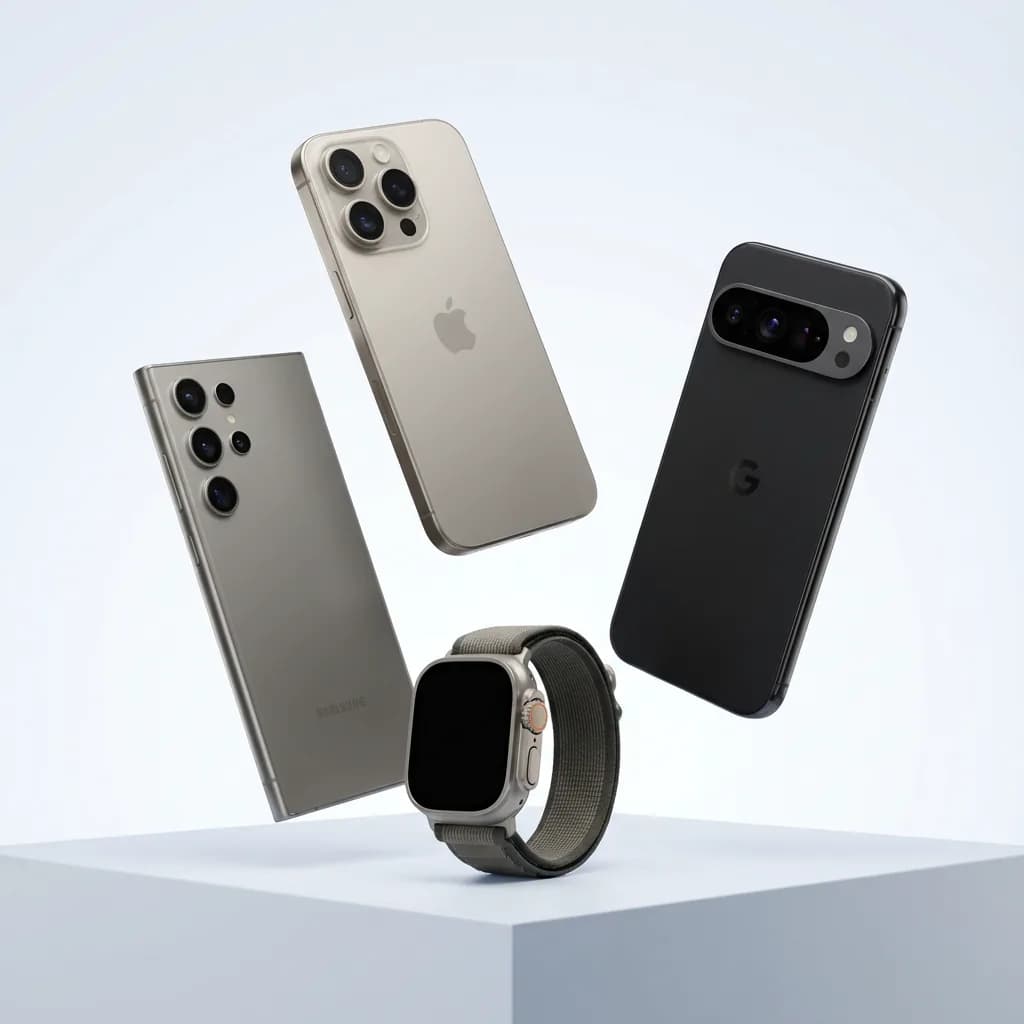
eSIM Device Checker:
Google Pixel 3a XL
Quickly check if your Google Pixel 3a XL can use eSIM to enjoy its many benefits.
eSIM Compatible Devices from Google Pixel 3a XL
Seamlessly Compatible: Unlock the Power of eSIM with Your Google Pixel 3a XL
Your Google Pixel 3a XL should support eSIM
How to check eSIM support on your Google Pixel 3a XL
Look for "Add eSIM" in Settings
On a Google Pixel, open: Settings → Network & internet → SIMs → Add SIM → Set up an eSIM
Check for a carrier or network lock
Let's ensure it's not restricted to any specific carrier or network:
- Open Settings app on your device.
- Tap on General (or Connections/Network on Android).
- Tap on About (or SIM Manager).
- Look for the section Carrier Lock or Network Provider Lock (or Add eSIM).
If it shows any other information or is missing, your device might be locked to a carrier.
Google Pixel 3a XL eSIM compatibility — verified facts
Yes — Google Pixel 3a XL supports eSIM.
- Google states that all Pixel 4 and later phones work with eSIM.
- Specific models purchased in certain regions may vary.
- If you are setting up your device for the first time, ensure it is unlocked.
Google Pixel 3a XL eSIM — frequently asked questions
- What if my Google Pixel 3a XL is locked to a carrier?
- If it shows any other information or is missing, your device might be locked to a carrier.