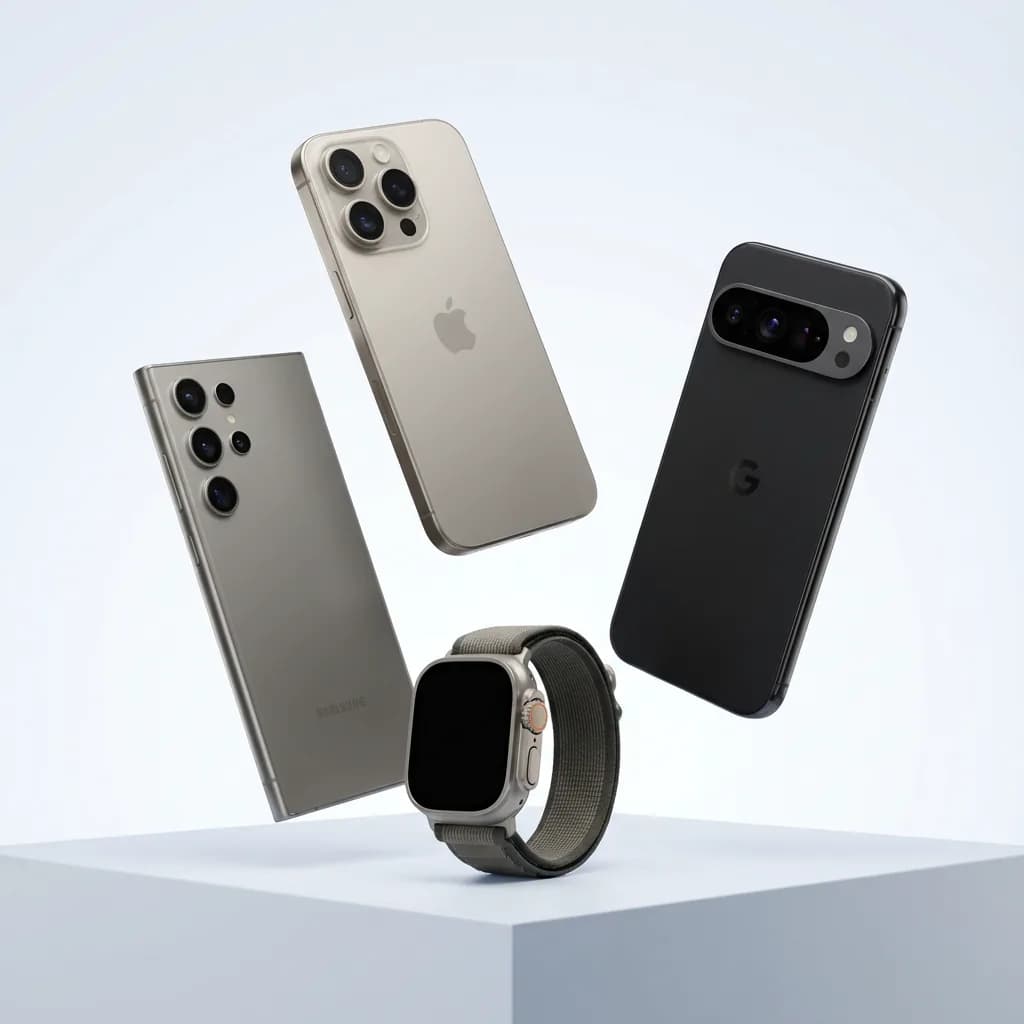
eSIM 设备检查器:
Google Pixel 10 Pro
快速检查您的 Google Pixel 10 Pro 是否可以使用 eSIM 来享受其众多优势。
Google Pixel 10 Pro 中的 eSIM 兼容设备
无缝兼容:通过您的 Google Pixel 10 Pro释放 eSIM 的强大功能
您的 Google Pixel 10 Pro 应支持 eSIM
如何确认你的 Google Pixel 10 Pro 是否支持 eSIM
在“设置”中查找“添加 eSIM”
在 Google Pixel 上依次打开: Settings → Network & internet → SIMs → Add SIM → Set up an eSIM
检查是否有运营商或网络锁
让我们确保它不限于任何特定的运营商或网络:
- 在您的设备上打开“设置”应用程序。
- 点击常规(或 Android 上的连接/网络)。
- 点击关于(或 SIM 管理器)。
- 查找运营商锁定或网络提供商锁定(或添加 eSIM)部分。
如果它显示任何其他信息或丢失,您的设备可能被锁定到运营商。
Google Pixel 10 Pro 的 eSIM 兼容性 — 已核实信息
是 — Google Pixel 10 Pro 支持 eSIM。
- Google 表示 Pixel 4 及更新机型均可使用 eSIM。
- 在某些地区购买的具体型号可能会有所不同。
- 如果您是首次设置设备,请确保其已解锁。
Google Pixel 10 Pro 的 eSIM — 常见问题
- 如果我的 Google Pixel 10 Pro 被运营商锁定怎么办?
- 如果它显示任何其他信息或丢失,您的设备可能被锁定到运营商。