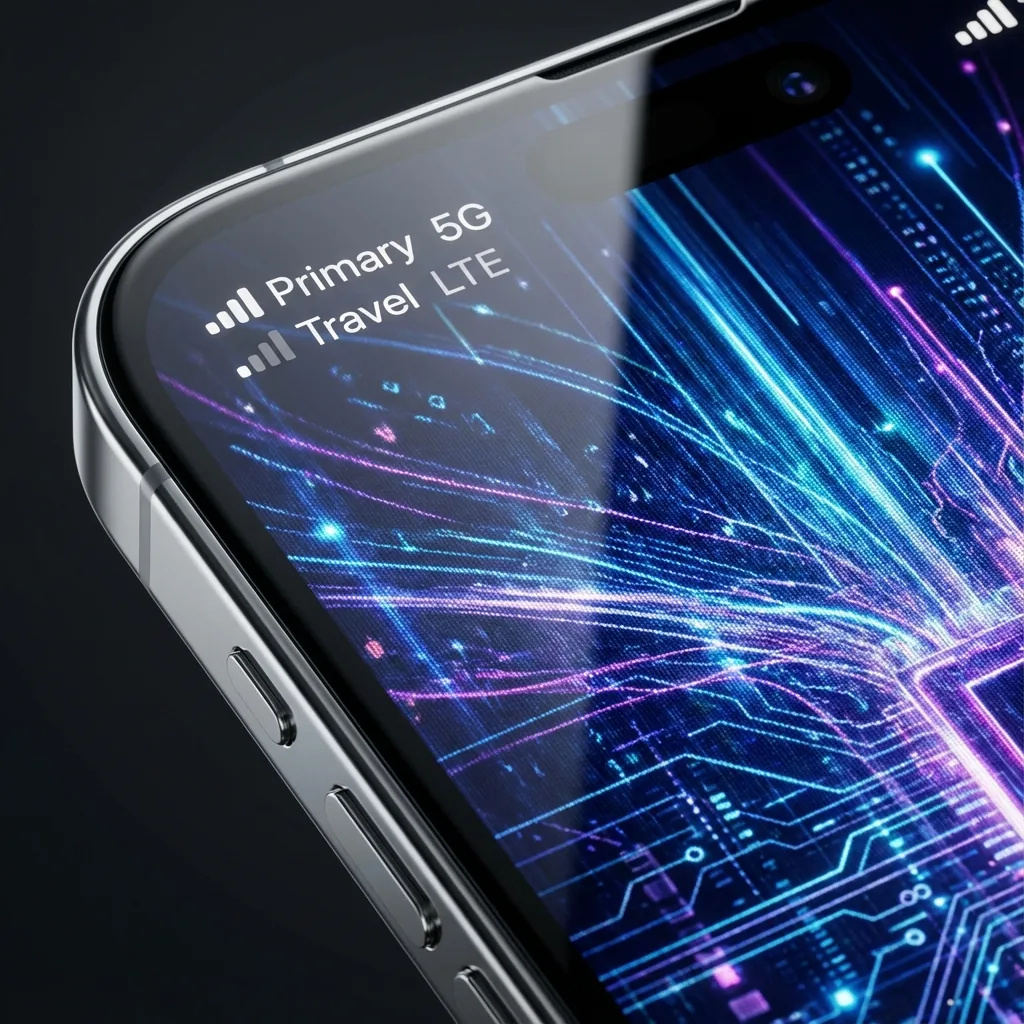
Apple's Dual SIM implementation is powerful but can be confusing. Let's simplify it.
Setup Steps
- Label your lines: "Primary" (Home) and "Travel" (eSIM).
- Set "Default Voice Line" to Primary.
- Set "Cellular Data" to Travel.
- Turn "Allow Cellular Data Switching" OFF to prevent accidental roaming.
The Result
A travel eSIM provides mobile data. Calls, SMS and Wi-Fi calling on your home number remain subject to your home carrier’s terms and charges. Turning off data roaming does not disable calls.
Tags:
eSIM