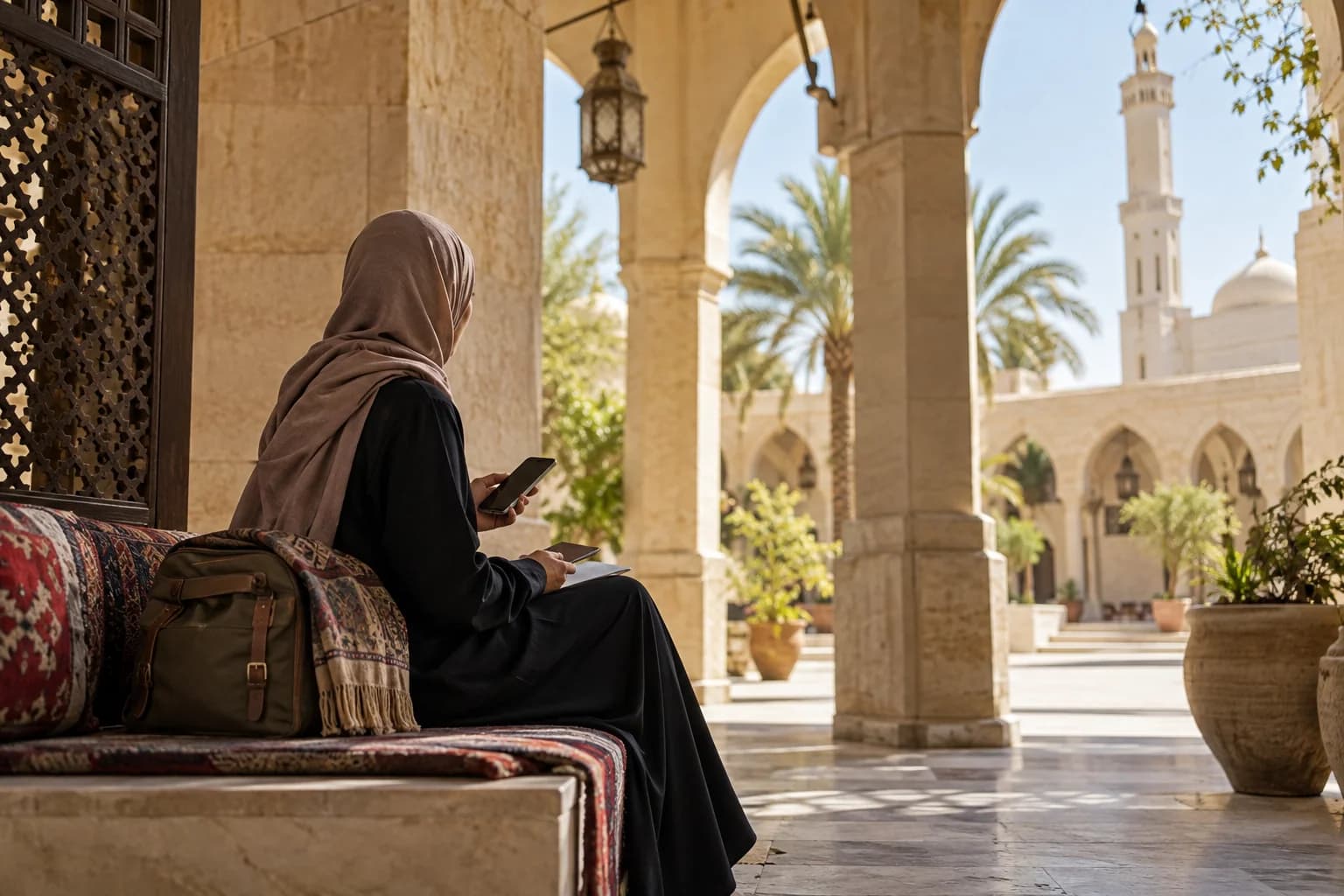
For Umrah or Hajj, a pilgrim mainly needs mobile data for three things: the official Nusuk app, maps between the hotel and the mosque, and messages with family and the group. A prepaid data eSIM that you install at home before you fly gives you that connection from the day you land. Your own SIM stays in the phone for calls and for SMS codes. The esim0 plans for Saudi Arabia are data-only: they have no phone number, and they cannot make normal calls or receive SMS.
What pilgrims use mobile data for
The Nusuk app and platform
Nusuk is the platform of the Ministry of Hajj and Umrah. The Nusuk app is published by the Ministry. It describes the app as a guide that helps pilgrims plan the journey, arrivals and departures, transport and the rituals at the Two Holy Mosques.
Some Nusuk services are used at home, before the trip. Nusuk Umrah lets pilgrims from outside the Kingdom apply directly for an Umrah visa and book services without an intermediary. Nusuk Hajj serves pilgrims from the countries the Ministry lists, and the platform itself notes that registering does not mean you are accepted for Hajj. You can do these steps on your home internet connection.
Other services are used during the trip. The Ministry's FAQ says that booking a permit is required both to perform Umrah and to pray in Al-Rawdah Al-Sharifah at the Prophet's Mosque. Permits are issued through the Nusuk app, and the FAQ also names the Tawakkalna app. Some rules from the same FAQ are useful to know:
- A permit is booked for a date and a time slot.
- You cannot change the time of a permit. You can cancel it in the app before its time starts, and then book a new one.
- Only one Umrah permit can be active at a time. You can book again after it expires.
- The FAQ gives an interval of 30 days between visits to the Rawdah.
Booking, checking and cancelling all happen online, sometimes at short notice. This is the main reason to have your own data connection and not only hotel Wi-Fi. Rules can change from one season to the next, so check the Ministry's pages before you travel.
The Nusuk Card during Hajj
For Hajj, the Ministry describes the Nusuk Card as a mandatory requirement for entry into Makkah, the Grand Mosque, the holy sites and the Rawdah. The card exists in a physical format and a digital format. The Ministry asks pilgrims to carry and activate their card at every stage of the journey. If you use the digital card, keep your phone charged and connected.
Maps, transport and meeting points
Hotels, mosque gates and bus stops can be hard to find on a first visit. A map app helps you walk back to the hotel, find the gate your group uses and share your location with a companion. Save your hotel address and your group leader's contact details in a place you can read without a connection, such as a note on the phone or a paper card in your bag.
Messages and calls with family
Messaging apps work over the data connection. You also keep your WhatsApp number: the app stays linked to your usual number, and only the data comes from the eSIM. Voice and video calls in apps use data too. We cannot promise how every calling app behaves on every network, so make a short test call with your family on your first day.
Keep your home SIM for bank codes
The eSIM is a second line. It does not replace your SIM. Your usual SIM stays in the phone with your number, so one-time codes from your bank still reach you by SMS. This matters if you pay for hotels, transport or food with a card from home. Before you leave, ask your home operator what it charges to receive calls and SMS in Saudi Arabia.
To avoid roaming charges on your home line, keep data roaming off on your home SIM and use the eSIM for all mobile data. These are the usual settings:
| Line | Mobile data | Data roaming | What it is for |
|---|---|---|---|
| Home SIM | Not selected | Off | Calls and SMS on your own number, including bank codes |
| esim0 eSIM | Selected | On | All internet use: Nusuk, maps, messages, email |
On iPhone, Apple explains that only one number at a time uses cellular data. It also explains that "Allow Cellular Data Switching" can move data to your other line during a call on that line. Keep this option off, so that data does not move to your home SIM.
How much data, and which plan
Data use depends on the person. esim0's planning examples for a week are about 1–3 GB for maps, messages and email, 5–10 GB for social media and music, and 20 GB or more for video, video calls or sharing the connection. These are examples, not guarantees.
At the time of writing (September 2026), the Saudi Arabia page lists two kinds of plan:
- Fixed plans from 1 GB to 50 GB, valid for 7, 15 or 30 days.
- Daily plans, where you choose the number of days. Each day has a high-speed allowance. After that, the speed is reduced until the next day.
The page lists STC as the network, with 5G as the fastest network type available. Signal and speed still depend on where you are, on your phone and on the network. The page also states that your connection appears from Belgium, so some banking or streaming apps may see a Belgian connection. Prices change, so compare them on the page.
| Your trip | What to check |
|---|---|
| A short Umrah trip | A small fixed plan is often enough for Nusuk, maps and messages. Add more data if you watch video or make many video calls. |
| Makkah and Madinah on one trip | The validity must cover every day, including the travel day between the two cities. |
| A stay longer than 30 days | At the time of writing, the longest fixed plan is 30 days. Plan a second eSIM, or compare the daily plans. |
| A family or a group | Give each phone its own eSIM. One order can include up to 10 eSIMs, and each one has its own QR code and data allowance. |
| Other Gulf countries on the same trip | The Middle East plan covers Saudi Arabia and other countries on one eSIM. Check the country list on the plan. |
Apps and the internet on your Saudi Arabia eSIM
An esim0 Saudi Arabia eSIM connects to the STC network, but your data leaves the country through our supplier's gateway in Belgium. Websites and apps normally see a Belgian address, so they usually behave as on a connection in Belgium: search results, adverts or some content may reflect Europe rather than Saudi Arabia. This is a normal effect of how a travel eSIM routes its data, not a fault or a setting to fix, and no extra app is needed for the eSIM to work. We do not give advice about VPN apps.
A connection that appears European can affect the specific apps a pilgrim relies on. Nusuk, other Saudi government services and your bank's app may notice that the connection looks like it comes from abroad, even while you are in Makkah or Madinah, and some may ask for extra verification or limit a feature until it recognises you again. If an app behaves this way, try it again on hotel Wi-Fi, which is a local Saudi Arabia connection, and check the current guidance on nusuk.sa if the app itself does not explain what to do.
Whichever connection carries your data, the laws and rules of Saudi Arabia apply to you as a visitor. This section only describes how the eSIM is routed; it is not legal advice, and it does not change what you may access or share online.
Install before you leave home
When you set up at home, you do not need to find Wi-Fi at the airport after a long flight. You also have less to do on the phone once your worship begins.
- Check that your phone supports eSIM and is not locked to an operator. Use the compatible devices list and your phone maker's guidance.
- Buy the plan. The eSIM arrives by email with a QR code within minutes of payment. It is also shown in your esim0 account.
- At home, on Wi-Fi, open the QR code on another screen and scan it. Follow the guide for your phone: iPhone, Samsung Galaxy or Google Pixel.
- Give the new line a label such as "Travel", so you can tell the two lines apart. Leave it switched on.
- Do not delete the eSIM after you install it. A QR code installs only once, and a removed profile cannot be installed again.
- Install the Nusuk app and your map app. Sign in and download what you can while you still have home Wi-Fi.
- When you land, select the eSIM for mobile data and turn on data roaming for that line only.
On esim0's Saudi Arabia plans, validity starts when the eSIM first connects to a network in Saudi Arabia, not when you buy or install it. Before installation, the eSIM stays valid for 180 days. Read the activation rule shown on your plan before you install, and see how to activate an eSIM.
Crowds and the connection around the Haram
At the busiest times, and especially during Hajj, a very large number of people use their phones in a small area around the Two Holy Mosques and the holy sites. At those moments any mobile network can be slower. This is true for local SIMs, for roaming and for travel eSIMs. Saudi Arabia's telecom regulator, CST, prepares extra network capacity and Wi-Fi for each Hajj season. For the 2025 season, it reported more than 10,500 Wi-Fi access points across Makkah, Madinah and the holy sites.
Some simple habits help:
- Book or check your Nusuk permit at the hotel, before you walk to the mosque.
- Agree a fixed meeting point and time with your group that does not depend on a phone.
- Carry a charged power bank. Maps and a bright screen use battery quickly.
- If a page does not load, wait and try again, or move a short distance away from the densest crowd. Turning airplane mode on and off once can also help the phone reconnect.
What the esim0 eSIM does not do
- It has no phone number. It cannot make normal calls, and it cannot send or receive SMS.
- It cannot receive one-time codes sent by SMS. Those codes go to your own number.
- Sharing the connection (hotspot) depends on the network and on your phone, so it is not guaranteed. Contact support before you buy if you need it.
- One eSIM works on one device. Install it on the phone you will travel with.
- Refunds follow the refund policy: you must ask within 7 days of purchase. There is no refund once the eSIM is activated or used, or if the phone is not compatible.
Support is available 24/7 by email at [email protected]. You can also use the contact page.
FAQ
Do I need the Nusuk app for Umrah?
The Ministry of Hajj and Umrah states that booking a permit is required to perform Umrah and to pray in Al-Rawdah Al-Sharifah. Its FAQ says permits are issued through the Nusuk app or the Tawakkalna app. Check the Ministry's website for the current rules before you travel.
Can I receive my bank's SMS codes on the eSIM?
No. The eSIM is data-only and has no number. Keep your home SIM switched on so that codes reach your own number, and keep data roaming off on that line.
Does the eSIM work in both Makkah and Madinah?
The plan covers Saudi Arabia on the network shown on the Saudi Arabia page, which is STC at the time of writing. Coverage and speed depend on the exact location, on your phone and on how busy the network is.
Can my family share one plan?
Hotspot sharing is not guaranteed on every plan, and several people quickly use up one allowance. It is usually simpler to give each phone its own eSIM. You can buy up to 10 eSIMs in one order, and each one has its own QR code and data allowance.
What happens if my data runs out during the trip?
The plan stops when the allowance is used, and there is no extra bill. Plans with a fair-use limit slow down instead of stopping. You can buy another plan at any time, and a new eSIM does not remove the first one.
When should I install the eSIM?
Install it at home on Wi-Fi, a few days before you leave. The plan waits unused until it first connects in Saudi Arabia, so installing early does not use your validity.