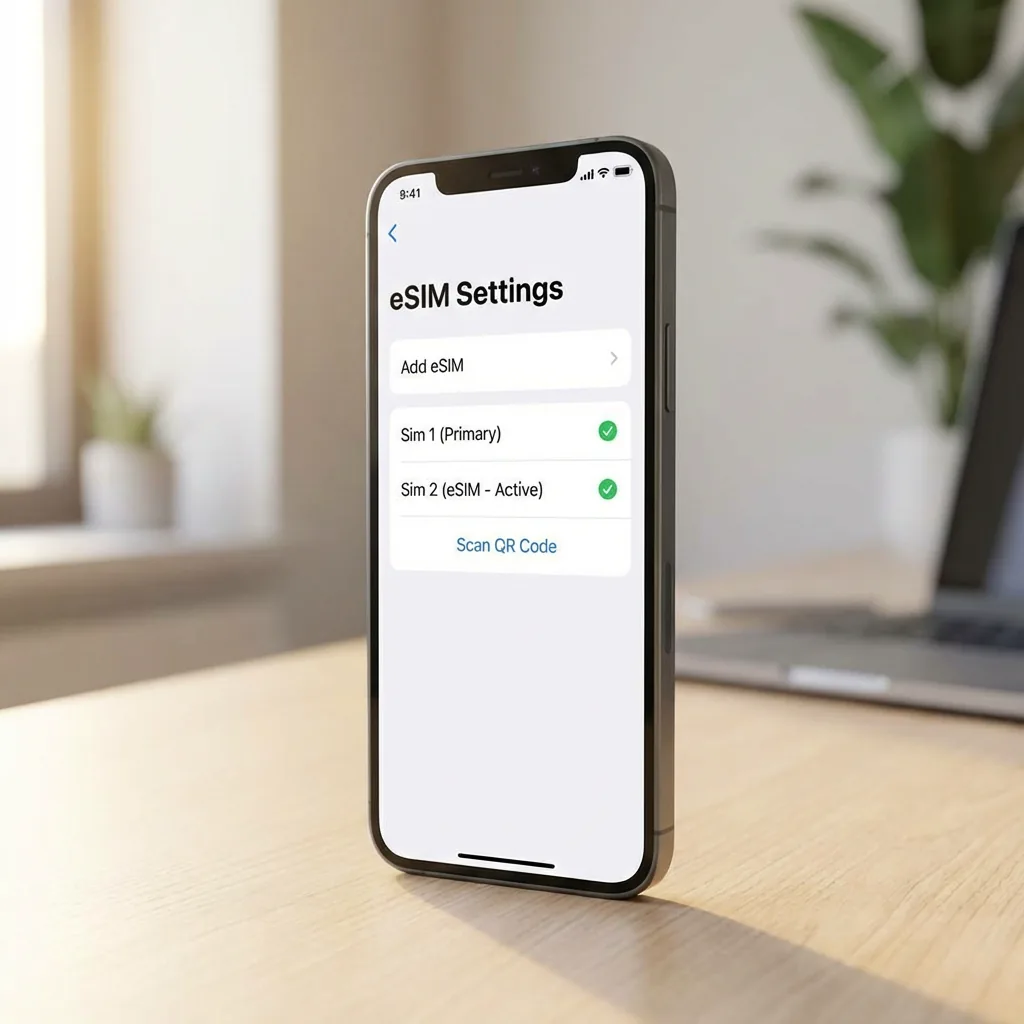
No internet? Check that this eSIM is enabled, selected for data and covered at your location. Check roaming, then toggle airplane mode. Contact support before deleting your eSIM.
1. "Unable to Activate eSIM"
Cause: usually a poor internet connection during setup or a carrier lock.
Fix: Ensure you are on stable Wi-Fi. Check if your device is unlocked by contacting your home carrier.
2. No Signal / "SOS Only"
Cause: The eSIM line might be turned off or Data Roaming is disabled.
Fix: Go to Settings > Cellular. Ensure your eSIM line is toggled ON. Then, tap into the line and ensure Data Roaming is ON.
3. Slow Data Speeds
Coverage and speed depend on the supported network, your exact location, your device and network congestion. A travel eSIM cannot provide a signal where its supported networks have no coverage.
No internet? Check that this eSIM is enabled, selected for data and covered at your location. Check roaming, then toggle airplane mode. Contact support before deleting your eSIM.
4. QR Code "No Longer Valid"
Cannot scan? Choose manual entry and use the activation details in your account. Enter the SM-DP+ address and activation code where requested. Keep these details private.
Check the activation policy for your plan before installing: validity can begin at installation or at the first network connection. Reinstallation may not be supported.